Guides
Part of Backup and recovery: a grounded overview
Backup and recovery security: protect backup systems
Backup and recovery security starts with separate credentials, protected copies, key custody, safe media handling, and safe restoration.
Backup and recovery security starts with a simple fact: a backup is a complete copy of everything the business would not want published. It sits in one place, usually protected less carefully than the systems it copies.
That arrangement saves you from one bad day, but it is also a concentrated target. Securing it is separate work from configuring it.
Two properties do most of the job: the running environment must not be able to destroy the copy, and the copy must not be readable by whoever happens to find it. Everything below is one of those two in a specific form.
What to take away
- If a credential that exists on your network can delete the backup, assume it will be used to.
- Encryption creates a key, and the key is now the thing that must survive the disaster.
- Somebody other than the person who set it up has to be able to prove all of this.
Separate the credentials, properly
The backup system needs its own account, its own second factor, and no shared administrator with the systems it protects. This is the highest-value item on the page and it costs nothing but discipline.
Work through it concretely: create a dedicated backup account, give it a unique password and its own second factor, remove shared administrator access, limit it to the backup tasks it needs, and send account or permission-change alerts through a separate route.
Backup account separation rules
- Console login separate from daily admin
- Backup read account has read only
- No working account reaches storage
- Recovery codes on paper off network
- Exactly two people reach console
The reasoning is the same as for any other privileged access, and the practical rules are in identity and access. What differs here is the consequence: losing this account loses both the data and the ability to recover it, in one move.
Make the copy unalterable, and alarm the setting that undoes it
Write-once storage, a retention lock, or physical disconnection. One of the three, on at least one copy.
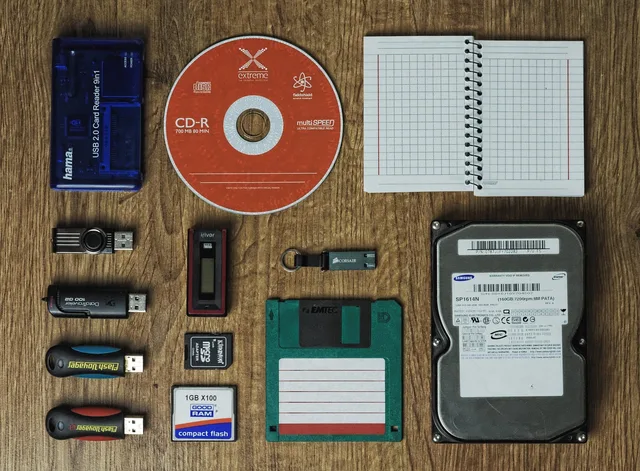
A common baseline is the 3-2-1 backup rule: keep three copies of important data, on two different types of media, with one copy offsite. The rule alone does not make an offsite copy unalterable. Amazon S3 Object Lock is one example of a named retention-lock feature; protection depends on its configuration and permissions.
Alarm what can undo immutability
Can an account holder shorten retention?
configure a notice by a route they read
confirm with vendor in writing
Then look at what can undo it. On many arrangements, an administrator of your own account can shorten a retention window, disable a job, or exclude a folder. The change is silent.
Ask the vendor which of those an account holder can do. Then configure a notice for each one, sent by a route the person reads.
Shortening retention is a step that tends to precede the visible part of a serious incident, which is why it deserves an alarm rather than a log entry. The United States Cybersecurity and Infrastructure Security Agency's ransomware guide is explicit that the recovery capability is attacked first, and it is written for organizations without a security team.
Key custody
Encrypting backups is right, and it converts your recovery problem into a key custody problem. Treat the key as a separate object with its own plan.
Key custody plan
- Record what each key opens and where it lives
- Keep one copy outside every recoverable environment
- Test that a second person can retrieve it
- Add key to departure checklist
- Confirm provider-held copies and their fate
An encrypted archive whose key existed only on the lost server is not a backup. It is a very well protected absence.
The media people carry
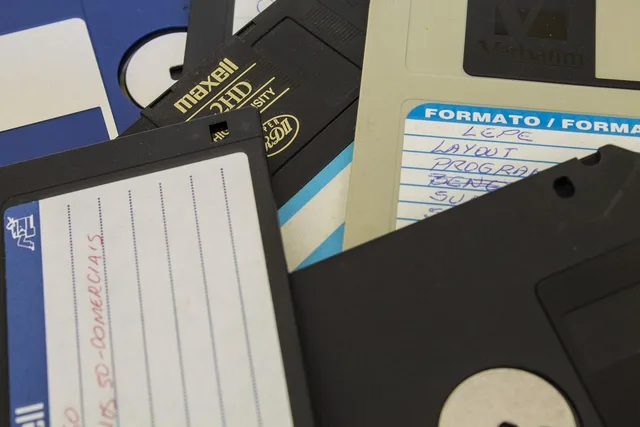
Rotated drives are a genuinely good arrangement and they introduce a physical problem: a complete copy of the business in a bag.
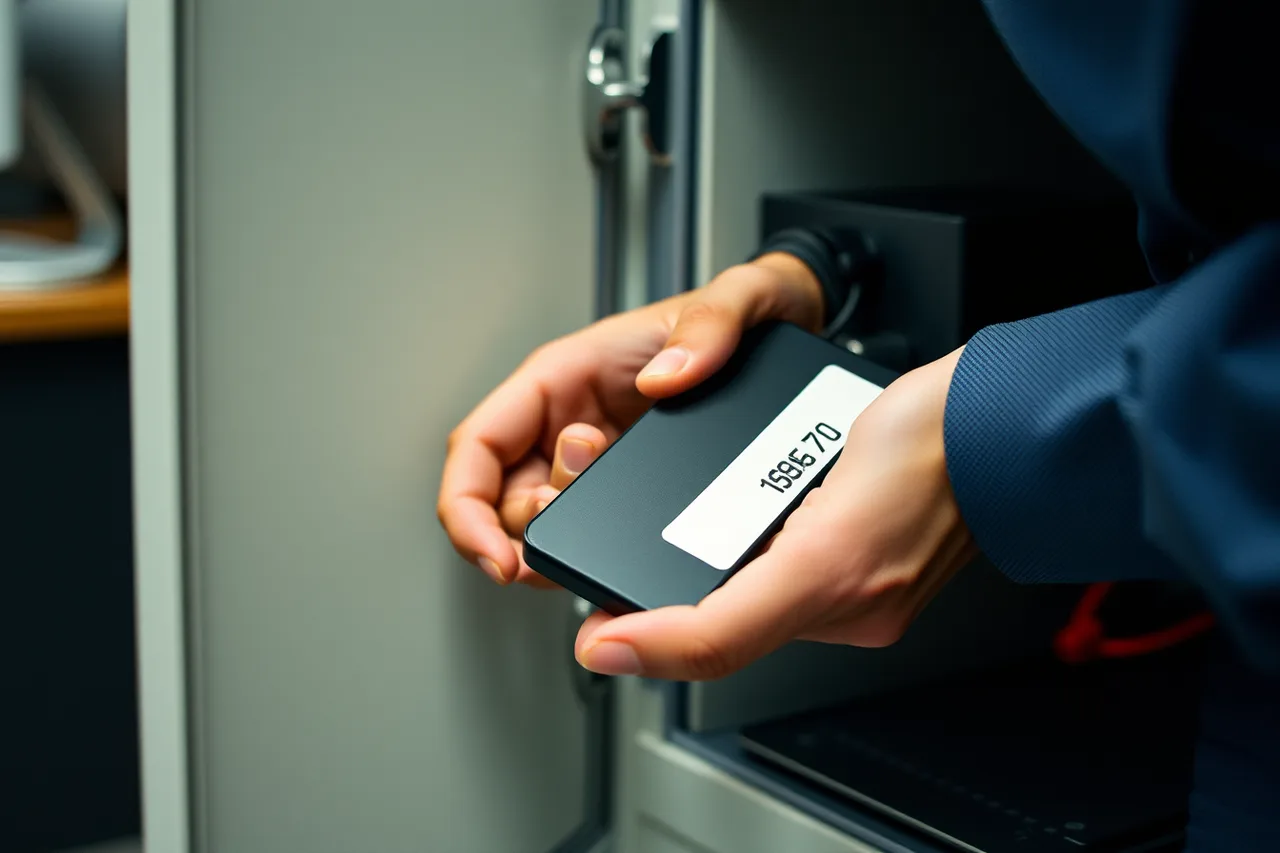
Encrypt the drive itself. Label it so the label means something to you and nothing to a stranger. Agree where it lives when it is out of the building, and make that a place with a door rather than a car. Record who has which drive.
Decide in advance what happens if one goes missing. That is a data loss event with obligations attached. In the U.S., check the state breach-notification law that applies to affected residents and the relevant state attorney general's guidance. Depending on your business and the data involved, also review HIPAA's Breach Notification Rule or the FTC Safeguards Rule under the Gramm-Leach-Bliley Act; applicability depends on your organization.
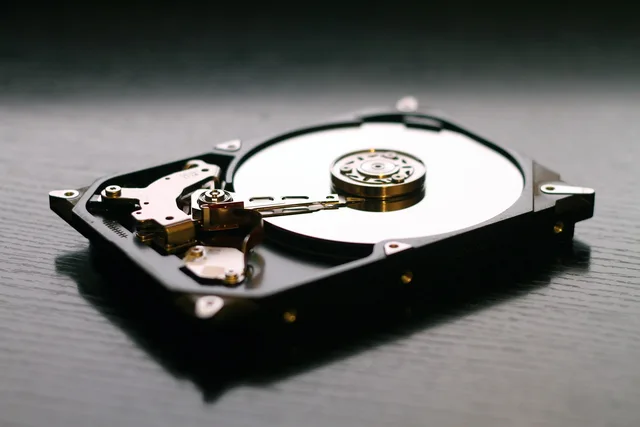
When a drive reaches the end of its life, wipe or destroy it rather than discarding it. A drive holding readable copies of everything is the same problem as an unlocked filing cabinet on the pavement.
Restoring safely
The security work does not end when the copy is safe. Restoring badly reinstates the problem.
Restoring safely, in order
- Restore to an isolated place first
- Inspect what came back
- Change credentials before the restore
- Pick a copy before earliest evidence
Restore to an isolated place first. Inspect what came back before it touches the working network. Change credentials before the restore, not after, since anything in the compromised environment should be assumed known.
Pick a copy from before the earliest evidence of a problem. That requires retention reaching back far enough, as backup and recovery argues.
Schedule restore tests regularly, based on how often critical data changes and how much loss the business can tolerate. Record the test date, selected copy, isolated destination, what you checked, and the outcome; a successful backup job does not prove that a restore will work.
The order and the authority to do all of this are decisions made in advance, and they sit with the rest of the pre-agreed choices in incident response.
Proving it to somebody else
At some point an insurer, a customer or a contract will ask what your arrangement is. The answer is much easier if these five things exist as written records rather than as memories.
| The question | The record that answers it |
|---|
Records that answer the questions
Question
- What is copied
- System list, inclusions and exclusions
- Where copies live
- Locations, which is unalterable
- Who can reach them
- Named accounts and second factors
- When last proved
- Restore test dates and durations
- Who holds keys
- Key custody note, two names
Record
- What is copied
- Where copies live
- Who can reach them
- When last proved
- Who holds keys
Keep these five records:
- Credentials:The backup account's owner, second-factor method, permissions, and latest access-review date.
- Copy protection:Copy locations, the immutability or disconnection control, the configured retention period, and who can change it.
- Key custody:Where recovery material is held, who is authorized to access it, and how to retrieve and use it. Do not include the secret key itself.
- Media custody:Each drive's identifier, encryption status, current custodian and location, and rotation or destruction status.
- Restore evidence:The test date, selected copy, isolated destination, what was checked, and the result.
Keeping these current takes about an hour a quarter and it converts an awkward questionnaire into a filing exercise. The United States National Institute of Standards and Technology's small business cybersecurity corner collects worksheets that suit this kind of record keeping without turning it into a project.
Common questions
Is a backup provider's own encryption enough?
It protects the data from other people, including in some arrangements from the provider. It does nothing about whoever holds your console login, which is the threat this page is mostly about. Ask what encryption they apply, then ask who can delete a copy regardless of it.
We are one person. How do we do the two-people rules?
Name someone outside the business you trust: an accountant, a family member, a lawyer. What matters is that the key and the recovery codes do not vanish with one person, and a sealed envelope with a trusted third party is an old and adequate answer.
Should the backup account be excluded from our normal access reviews?
The opposite. It is the account most worth reviewing, precisely because it is used rarely and would not be missed if it changed. Put it at the top of the list rather than in a separate category, as the routine in security foundations suggests for anything privileged.
A managed provider holds everything. What do we still own?
The proof and the keys. Ask for restore test evidence with dates, hold your own copy of any key or recovery code, and keep the written record above regardless of who does the work. Outsourcing the operation does not outsource the consequence.