Costs
Part of Backup and recovery: a grounded overview
Backup and Recovery Alternatives for Small Business
Backup and recovery alternatives for small business, from rotated drives and OS tools to network storage, subscription services and managed provider options.
Half the arrangements sold as backup are not backup. The other half range from a drive somebody carries home on Fridays to a service that copies everything, everywhere, without anyone watching. Both ends of that range are legitimate answers for some businesses. Choosing between them starts with knowing which category a candidate is actually in.
This page sorts backup and recovery alternatives by what they ask of you in attention, says what each leaves exposed, and gives the one check that tells you whether it is working. It ends with the arrangements that fail the definition entirely.
What to take away
- A copy that synchronises a deletion is not a backup, whatever it is called.
- Every option here leaves something open. Write down what, and who is responsible for it.
- The cheapest workable arrangement costs an hour a month of somebody's attention, and that hour is the whole product.
Rotated drives, carried out of the building
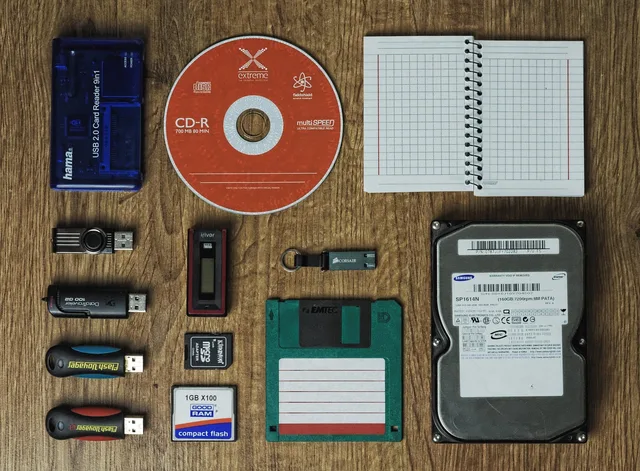
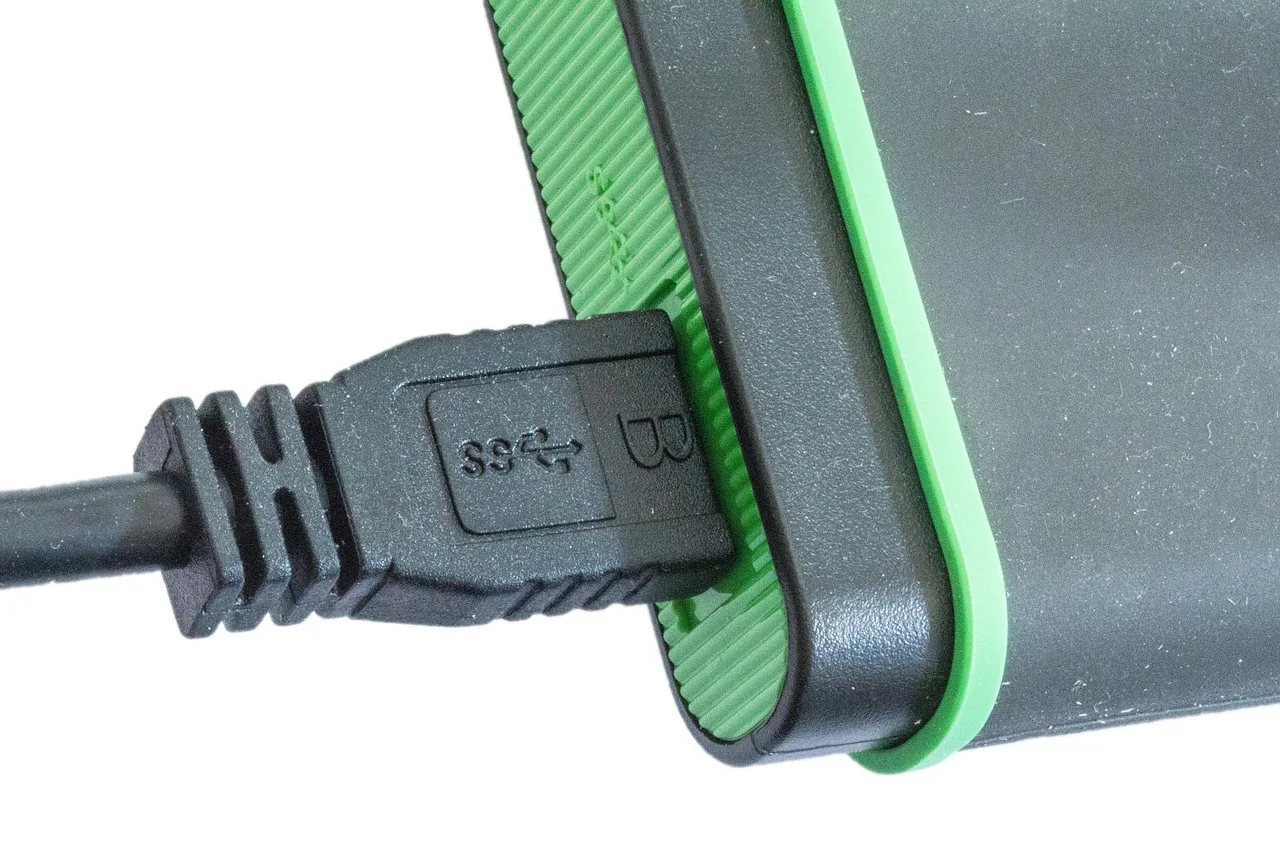
Two external drives, such as Seagate Expansion or Western Digital My Book. One is connected, written, disconnected and taken away. The next time, the other one goes in. The one in the building is never the only copy, and the one out of the building is never plugged into anything.
Leaves open: everything that depends on a person remembering. It also leaves open the restore duration, which for a large volume of data over a slow connection is not a problem here, since the drive is carried back.
The check: pick a date at random and ask which drive holds that day, and where it is right now. If nobody can answer in a minute, the rotation has stopped.
This is a genuine answer for a small business with a modest amount of data and one conscientious person, and it satisfies the hardest property in backup and recovery: a copy the running environment cannot reach, because it is unplugged.
What the operating system and platform already give you
Windows File History, Windows Previous Versions, macOS Time Machine, deleted item recovery, and the retention that services such as Microsoft 365 or Google Workspace keep by default.
Leaves open: almost everything beyond an accidental deletion noticed quickly. Retention windows are short, they can be shortened further by whoever administers the account, and they sit inside the environment you would be recovering from. Retention is a convenience feature, not a copy, and cloud security is blunt about the difference.
The check: using Windows File History or macOS Time Machine, try to recover something you deleted longer ago than you think the window allows, and find out where the window actually is.
Turn all of it on regardless. It is free and it handles the most frequent problem, which is somebody deleting a folder on a Tuesday.
A device on your own network
A backup appliance, such as a Synology DiskStation or QNAP NAS, or a network share that machines write to on a schedule. Fast to write, fast to restore, and entirely inside the environment.
Leaves open: the whole of the case you most need to survive. A copy reachable over the network with credentials that exist on the network is reachable by anything that has those credentials. It is also in the same building as the original, which covers no physical event.
The check: from an everyday administrator account on a work machine, try to delete last month's backup using Windows File Explorer or macOS Finder. If it goes, this is speed, not safety.
Keep it for speed and pair it with something the network cannot touch.
A backup service you subscribe to
Software on the machines from providers such as Backblaze, Carbonite, Acronis or IDrive; copies held on somebody else's infrastructure, scheduled and reported automatically.
Leaves open: the account that administers it, the key that decrypts it, and the time a full restore takes across your connection. It also leaves open whatever the scope missed, which nobody notices while the job reports success.
The check: restore a whole share to a scratch location and time it. Then read the report and find one thing it skipped last month.
A managed provider who owns the whole arrangement
A managed provider such as Datto, Acronis, or Barracuda, or a local managed service provider running Veeam, configures it, watches it, and restores from it.
Leaves open: proof. A provider's dashboard is their evidence, not yours. It also leaves open the question of what they can do without asking, which belongs in a service-level agreement (SLA) and a right-to-audit clause before you sign.
The check: ask for the date and duration of the last restore test they performed on your data, in writing. A provider who has never restored your data has never tested your backup either.
The ladder side by side
Costs
- Rotated drives
- Two drives and a habit
- Built-in versions and platform retention
- Nothing
- Device on your network
- One purchase
- Subscription service
- A monthly fee
- Managed provider
- A larger fee
Genuinely survives
- Rotated drives
- Ransomware, fire, theft, deletion
- Built-in versions and platform retention
- Accidental deletion noticed quickly
- Device on your network
- Hardware failure, fast restores
- Subscription service
- Deletion, hardware, the building
- Managed provider
- The above, plus attention
Leaves open
- Rotated drives
- Human forgetting
- Built-in versions and platform retention
- Almost everything else
- Device on your network
- Anything with network credentials
- Subscription service
- Scope drift, key custody, restore duration
- Managed provider
- Independent proof
The check
- Rotated drives
- Which drive holds last Tuesday, and where is it
- Built-in versions and platform retention
- Recover something older than the window
- Device on your network
- Try to delete it as an administrator
- Subscription service
- Restore a share and time it
- Managed provider
- Their last restore test, with a date
Four things that are not backups
A synchronising folder. It reproduces every change, including the deletion and the encryption. Version history in such a service helps, but only as far back as the retention allows and only if an administrator cannot clear it.
Mirrored disks. Two drives failing at different times is the problem being solved. It does nothing about deletion, corruption or anything deliberate, because both disks receive the same instruction.
A snapshot in the same place as the data. Convenient for going back an hour. Held in the same system, under the same credentials, and lost with it.
A copy nobody has ever read back. Storage that has never returned a file is a hypothesis. The United States Cybersecurity and Infrastructure Security Agency's ransomware guide is direct about this, and it is written for people who found out the hard way.
Combining them, which is what most businesses end up doing
Something local for speed, something remote for the building, and something disconnected or unalterable for the case where credentials have been taken. Then one person, one hour a month, to check the reports and restore one real file.
Mixing arrangements this way changes the shape of a bad day rather than the odds of one, and the shape is what the sequence in incident response depends on. The Federal Trade Commission's data breach response guide for business is written from the other end of the same problem and is worth reading before you need it.
Common questions
Can we get away with only the rotated drives?
Many small businesses can, provided the rotation genuinely happens and somebody restores a file from them quarterly. The arrangement fails on people, not on technology, so be honest about whether the person exists.
Is a service safer than a drive because it is automatic?
It removes one failure and adds another. Automation removes forgetting; it adds silent scope drift and an account that can delete everything. Neither is safer in general, and the combination is stronger than either.
We already pay for an online platform. Does it back itself up?
It protects itself from its own failures. It does not protect you from your own deletion, from a departing administrator, or from someone using valid credentials, which is why the fundamentals in security foundations put an independent copy on the list.
What is the minimum an owner-run business should have?
Platform retention switched on, one copy somewhere the running systems cannot reach, and a note on the wall with the date of the last file you restored and opened.