Guides
Part of Network security for small business: separation, router settings, and quarterly checks
7 takeaways on network security migration
A network security migration needs a dependency list, bench build, week of parallel running, clear cutover steps, and a firm rollback deadline.
A migration is the period when two networks exist and neither is fully trusted, and everything that goes wrong happens then.
The printer reachable on the old network is not on the new one, and the camera system has a fixed address nobody wrote down. The supplier has a forwarding rule that has quietly worked for six years. To survive, make the period short, planned, and reversible.
Start with a current network drawing: it shows which devices and services must remain reachable as the change happens. The basics of network security explain why a small office may use segments. Three migrations are common for a small business.
Replacing one box with another. Moving from a flat network to a segmented one. Replacing a VPN with identity-aware access. The timeline below covers all three, with differences noted where they matter.
What to take away
- Record every dependency.Include fixed-address devices, supplier forwarding rules, remote desktop, and backup targets; the dependency list is the migration.
- Build the replacement on a bench.Start from a written, owned configuration rather than blindly copying old rules.
- Test the new boundaries before cutover.For a segmented network, check both isolation and the specific connections business devices need.
- Pilot identity-aware access alongside the VPN.Publish one application through the new path and test it with users before retiring the old one.
- Run both networks in parallel for at least a week.Move one device at a time, test it, and reverse the move if needed.
- Use an ordered, out-of-hours cutover.Have a second person present or reachable, and verify the business-critical connections and a print job.
- Set a rollback deadline and preserve the old equipment.Keep its configuration intact until weekly and other scheduled processes have succeeded on the new network.
Four weeks before: the dependency list
Walk the office and the configuration and write down everything that will notice the change.
Dependency list to record
- Fixed-address devicesprinters, cameras, door controllers
- Inbound forwarding rules with owner and reason
- Every VPN user and their device
- Certificates and expiry dates
- Provider handoff address and contact
- Places the old address is written
- Dated export of old configuration
This list is what the United States National Institute of Standards and Technology (NIST) calls a baseline in its Guide for Security-Focused Configuration Management of Information Systems (NIST Special Publication 800-128). Its argument, that changes are made against a recorded baseline, is the whole method here in one sentence.
Two weeks before: the new network on a bench
Configure the new equipment on a desk, not in the rack. Build the segments from the drawing, recreate only the rules that have an owner, and test isolation with a phone and a printer before anything touches the office.
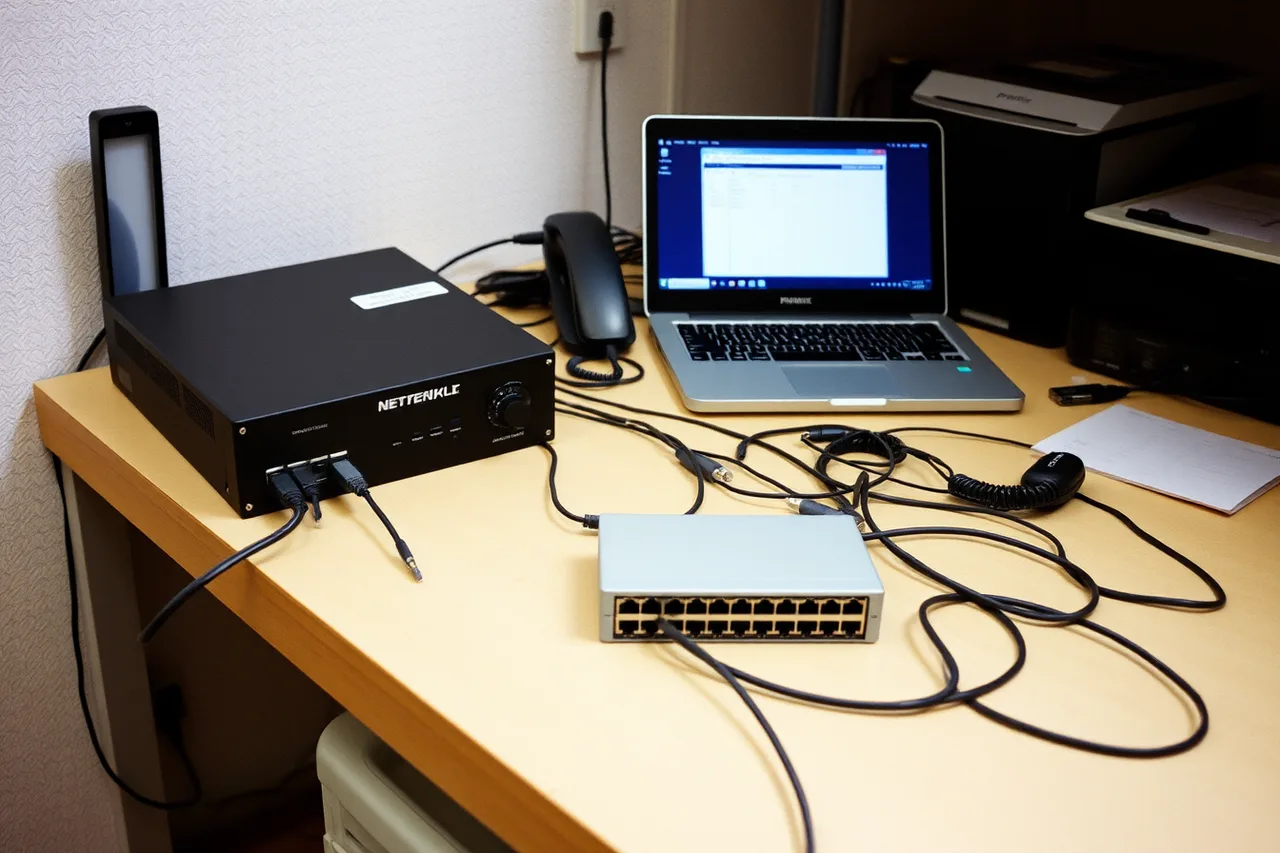
Rebuilding from a written policy rather than copying the old list is the argument of NIST's Guidelines on Firewalls and Firewall Policy (Special Publication 800-41 Revision 1), and a migration is the one moment you get to act on it. For a flat-to-segmented migration, this is where you discover which device cannot live on its own segment, and you want that discovery now.
For example, if a printer uses IPP, allow TCP port 631 from the authorized user segment to that printer, rather than opening broad access between segments. Allow DNS on TCP or UDP port 53 only along paths that need it. Camera systems and supplier forwarding rules can depend on the specific product and configuration, so use their documented destination and ports, restrict the permitted source, and test the rule from the device or network that needs it.
For a VPN-to-identity-aware migration, publish one application through the new path and have two people use it for a week alongside the old VPN. The access-policy choices belong to identity and access, but the migration test is whether those users can reach the application through the new path without the old VPN.
One week before: parallel running
Put the new equipment on the network behind the old one, or beside it, so that both exist. Move one device from the dependency list across each day: a printer first, then a camera, then one person's laptop. Each move is tested and each is reversible by moving the device back.
One device moved per day
- Day 1Printer moved and tested
- Day 2Camera moved and tested
- Day 3One person's laptop moved
- Each dayMove is reversible by moving device back
- Any failureAdd to dependency list and fix
Anything that fails during the week is a dependency you missed. Add it to the list, fix it, and move on. A week of one-device-a-day catches almost everything a cutover would have found at nine on Monday morning.
The cutover
Do it out of hours. Have a second person present or reachable. Write the rollback deadline on the whiteboard: if the office is not working by a fixed time, the old equipment goes back in, regardless of how close the fix seems.
Use this order during cutover:
- Export the old equipment's final configuration and preserve a copy.
- Confirm the replacement's bench-built configuration and required rules.
- Connect the replacement and switch the network handoff to it.
- Verify internet access and the business applications that must work immediately.
- Test segment isolation and the permitted connections between segments.
- Check the listed dependencies, including the camera system, supplier forwarding rule, remote desktop, and backup target.
- Print a test page.
Cutover sequence
- Export old configuration one final time
- Export new configuration from the bench
- Swap internet handoff to new equipment
- Move remaining devices in tested order
- Rerun isolation tests on live network
- Test entry from phone on mobile data
- Print something
Step seven is not a joke. The printer is the device most likely to have been forgotten and the one whose absence is noticed first.
The week after
Leave the old equipment in the building, powered off, configuration intact, for at least two weeks. Nobody dismantles it until the month-end run, the weekly backup, and the supplier's once-a-week connection have all happened on the new network.
Week after the cutover
- Keep old equipment powered off two weeks
- Wait for month-end run and weekly backup
- Update every place old address was written
- Retire old VPN clients
- Change new administrator credentials
- Store dated new export off the network
Update every place the old address was written. Retire the old VPN clients. Change the administrator credentials on the new equipment now that the reseller's engineer has finished. And put the new configuration export somewhere off the network, dated, beside the old one.
Where each migration bites
| Migration | The dependency most often missed | The test that finds it |
|---|---|---|
| Box to box | A forwarding rule for a supplier or a remote desktop nobody uses | Retire every rule without an owner two weeks early and wait for the complaint |
| Flat to segmented | A device that needs one port open to the work segment | Move it during parallel running and watch what fails |
| VPN to identity-aware access | An application that is not web-based and cannot be published | Have two people work a full week on the new path only |
| Any | The fixed address a camera system was given years ago | Walk the building with the device list and read every label |
For common examples when segmenting a network, DNS uses TCP or UDP port 53, and IPP printing uses TCP port 631 when the printer supports it. These are not universal rules for every device: verify the protocol and destination for each dependency, then allow only the required traffic from the needed source.
Rolling back
Rollback is not failure. It is the plan working. Swap the handoff back, move the devices back in reverse order, import the final old export if anything was changed, and print something. Then find out what was missed, add it to the list, and set a new date.
A migration that rolled back once and succeeded the second time is the normal case. A migration pushed through on the night because rollback felt like defeat is how a flat network becomes a half-segmented one that nobody understands, and untangling that is harder than either of the networks it replaced.
If an outage becomes an incident, follow your incident response plan. For the migration itself, use the rollback procedure above rather than improvising during cutover.
Common questions
Can we migrate in place, without a bench?
For a box-to-box swap with an identical configuration, sometimes. For anything involving new segments, no; the bench is where you find the device that will not cooperate, and finding it live is the worst evening in this line of work.
How long should the parallel period be?
Long enough for every weekly thing to happen once. A week is the minimum; a month is not excessive if a monthly process depends on the network.
Who should be told?
Everyone, with the date, the hour, and what to do if something does not work on the morning after. The person who can print and the person who cannot are separated by whether they knew to tell you.
Does the migration change our backups?
If the backup target has a fixed address, put it on the dependency list. If the backup runs overnight, avoid cutover that night. Confirm the backup job completes on the new network before dismantling the old equipment; backup and recovery also depends on preserving access to that target.